The summer blues preset is great on photos with a majority of blue or city photos, it will create a great film look on your images.
This preset will give a vintage look to your images, and adds a little bit of grain that you can adjust as you prefer.
You can use this preset on photos taken with a camera or with a phone.
My personal preference is using it with my digicam with the flash on :)
As with all presets, you may want to adjust manually the settings on the
lighting and exposure of your photo.
For best results, manually adjust your white balance and exposure
settings for each image.
You can also add more or less of grain depending on your preferences! (This will create this film vibe)
This is a mobile preset and not a desktop preset!
How to upload the preset:
1. Download the folder and save it as an image
2.Download lightroom mobile or open it if you already have it on your mobile
3.Open the image you just saved and click on the three dots in the right corner
4.Click on create preset
5.Click on the tick
6.Enjoy your new preset :))
The summer blues preset is great on photos with a majority of blue or city photos, it will create a great film look on your images.
This preset will give a vintage look to your images, and adds a little bit of grain that you can adjust as you prefer.
You can use this preset on photos taken with a camera or with a phone.
My personal preference is using it with my digicam with the flash on :)
As with all presets, you may want to adjust manually the settings on the
lighting and exposure of your photo.
For best results, manually adjust your white balance and exposure
settings for each image.
You can also add more or less of grain depending on your preferences! (This will create this film vibe)
This is a mobile preset and not a desktop preset!
How to upload the preset:
1. Download the folder and save it as an image
2.Download lightroom mobile or open it if you already have it on your mobile
3.Open the image you just saved and click on the three dots in the right corner
4.Click on create preset
5.Click on the tick
6.Enjoy your new preset :))
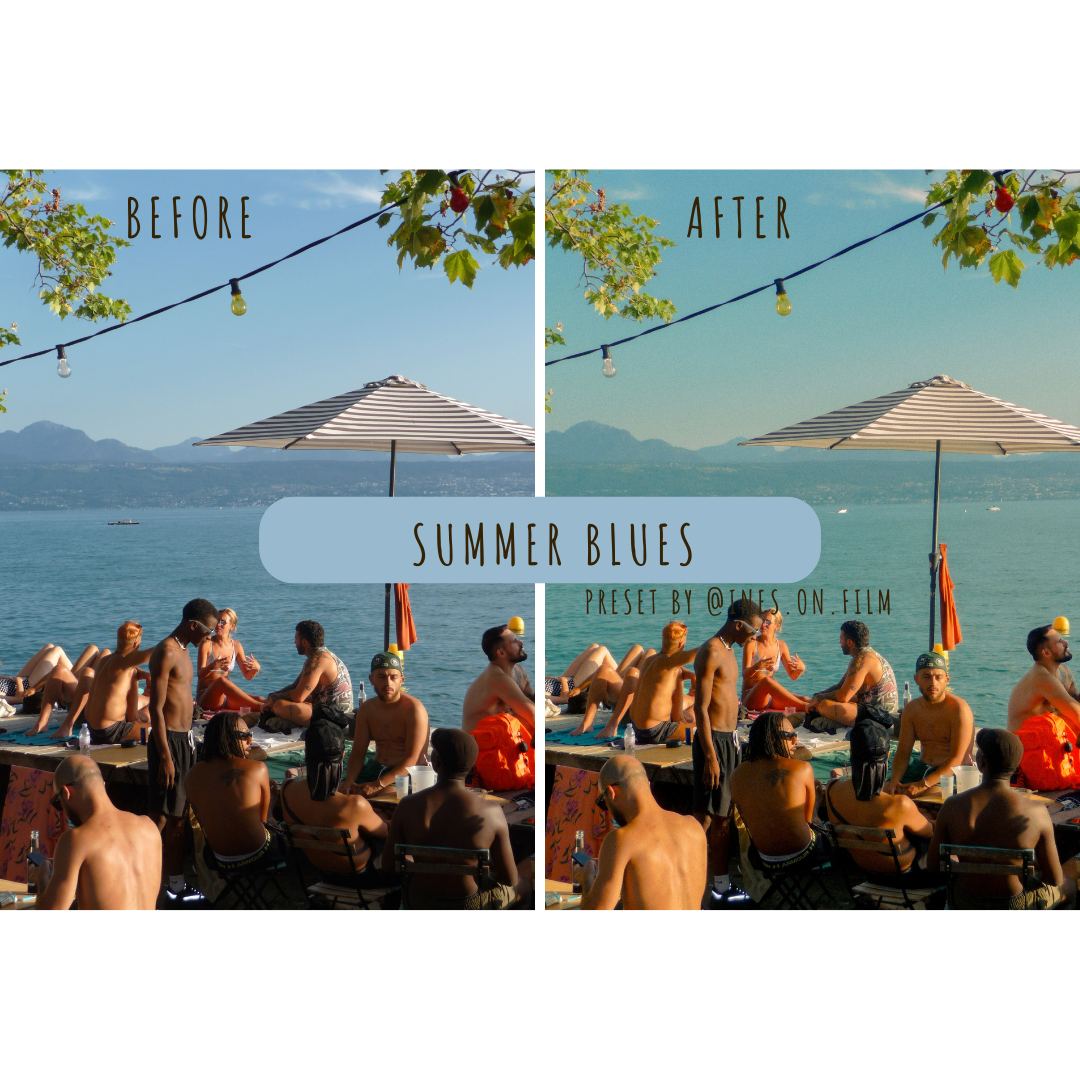 Image 1 of 6
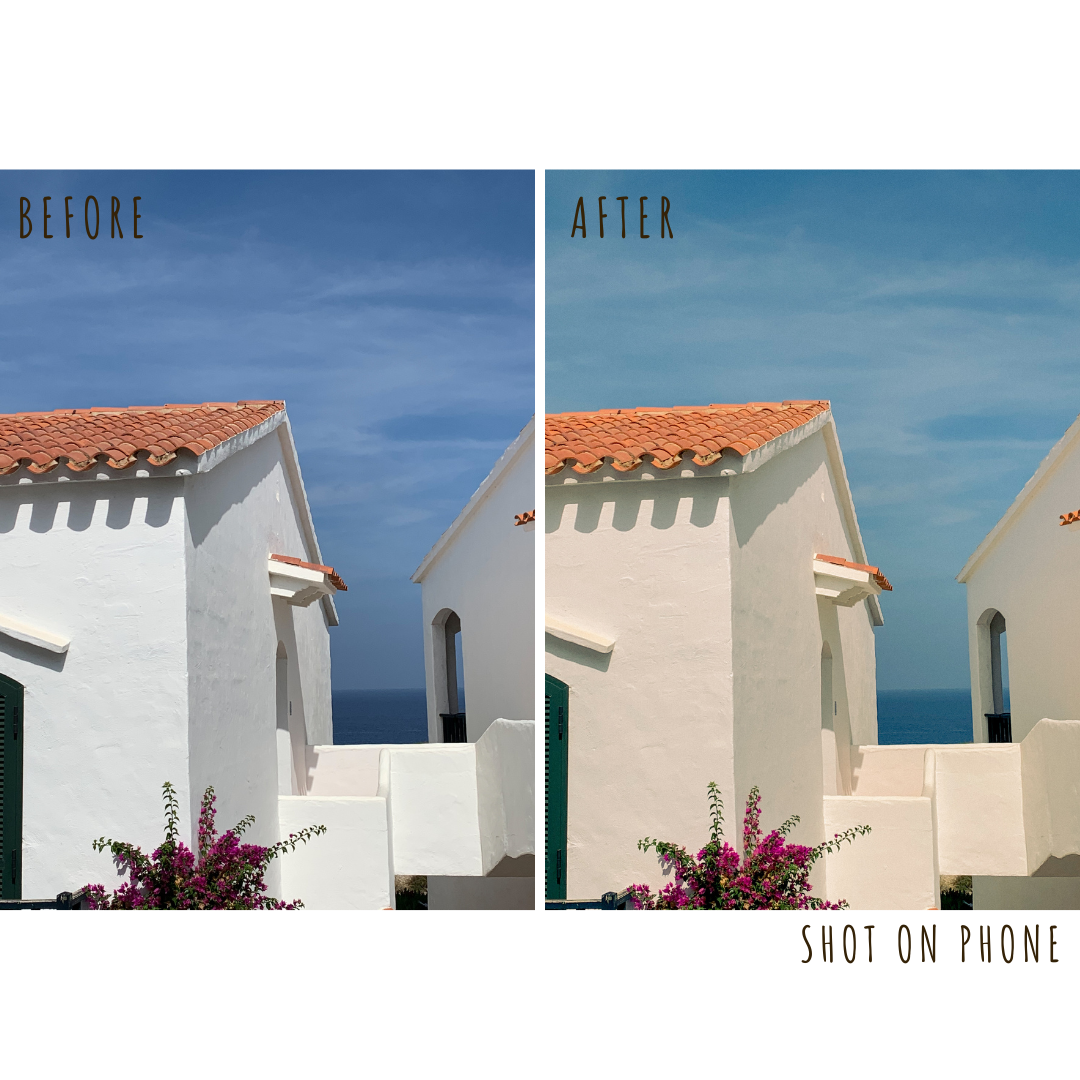 Image 2 of 6
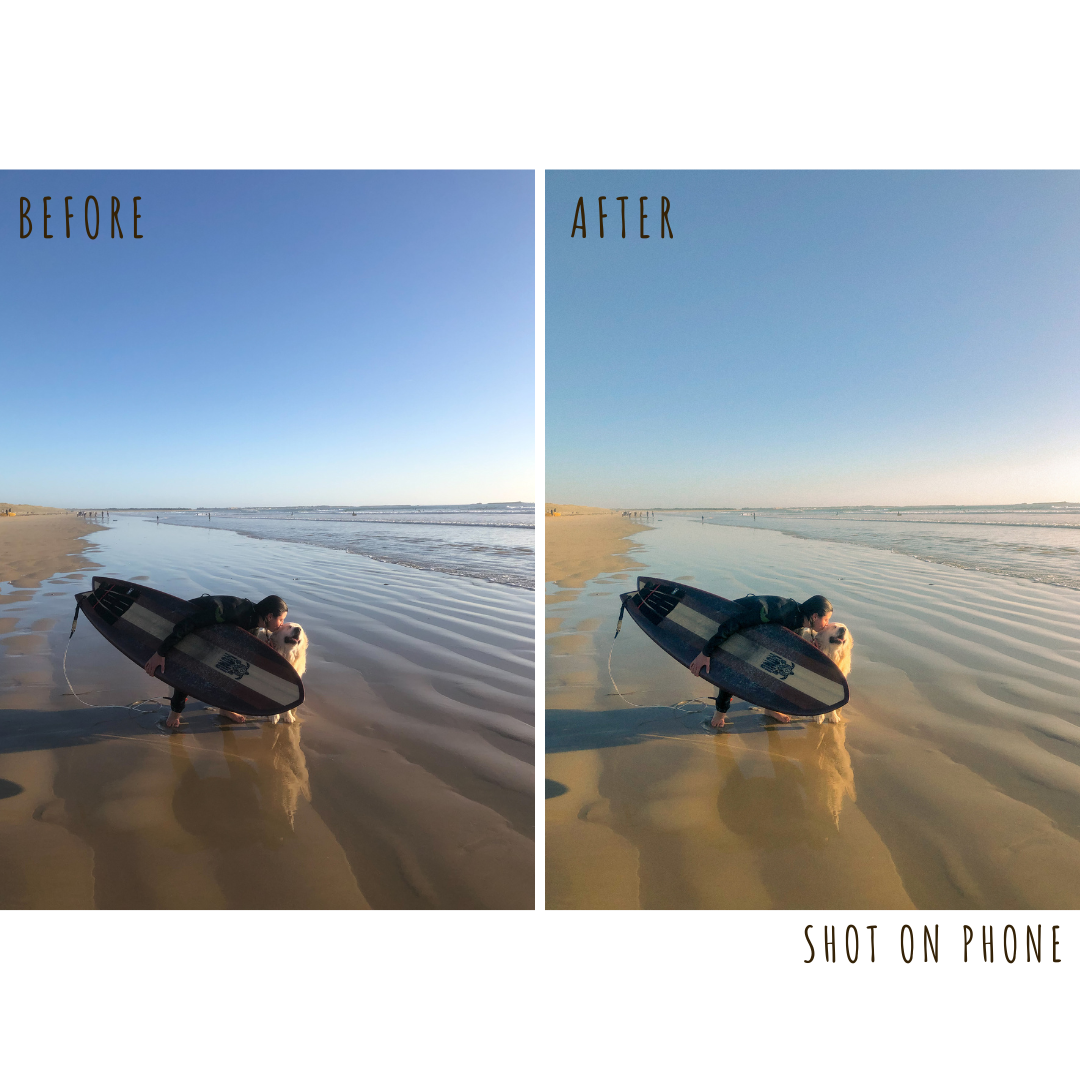 Image 3 of 6
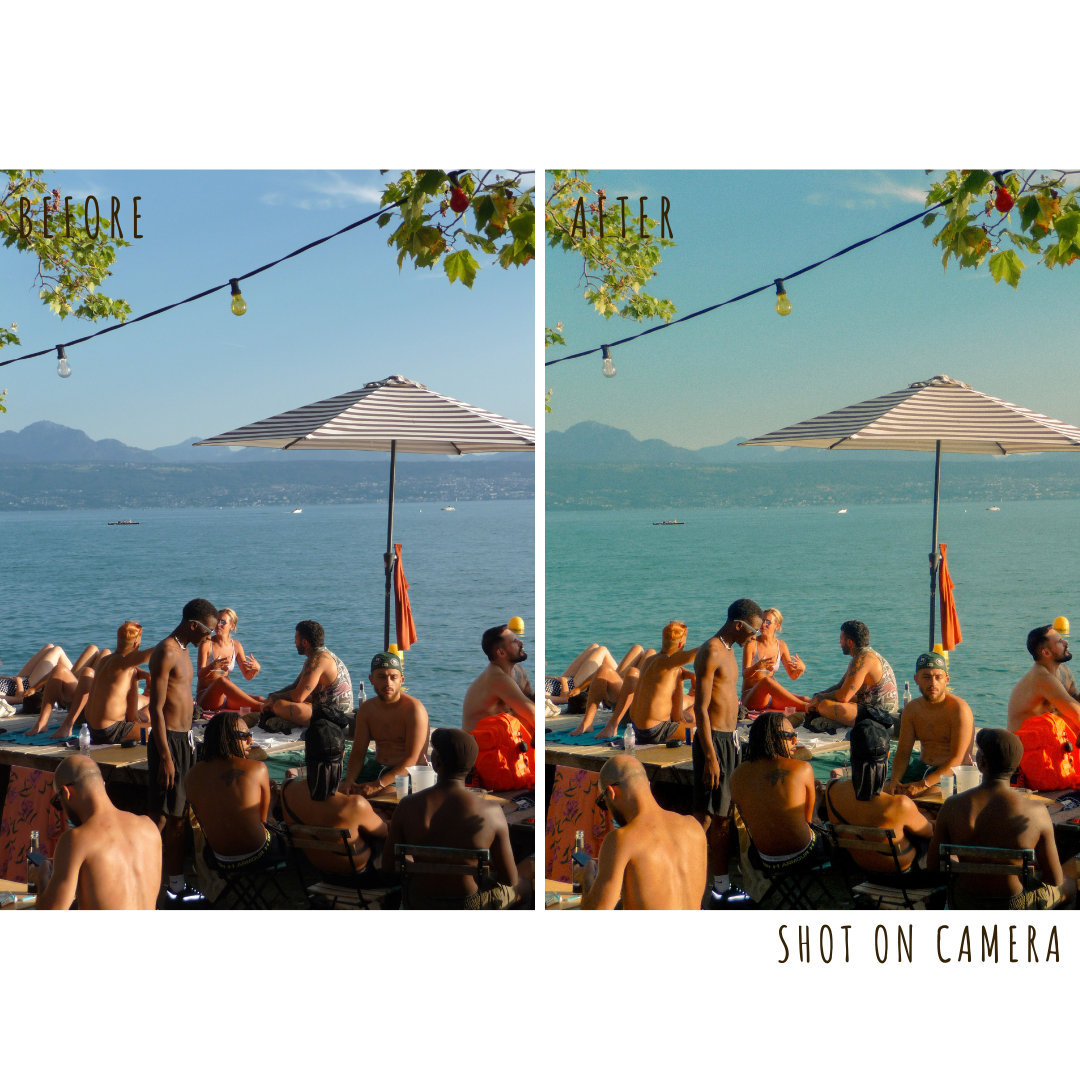 Image 4 of 6
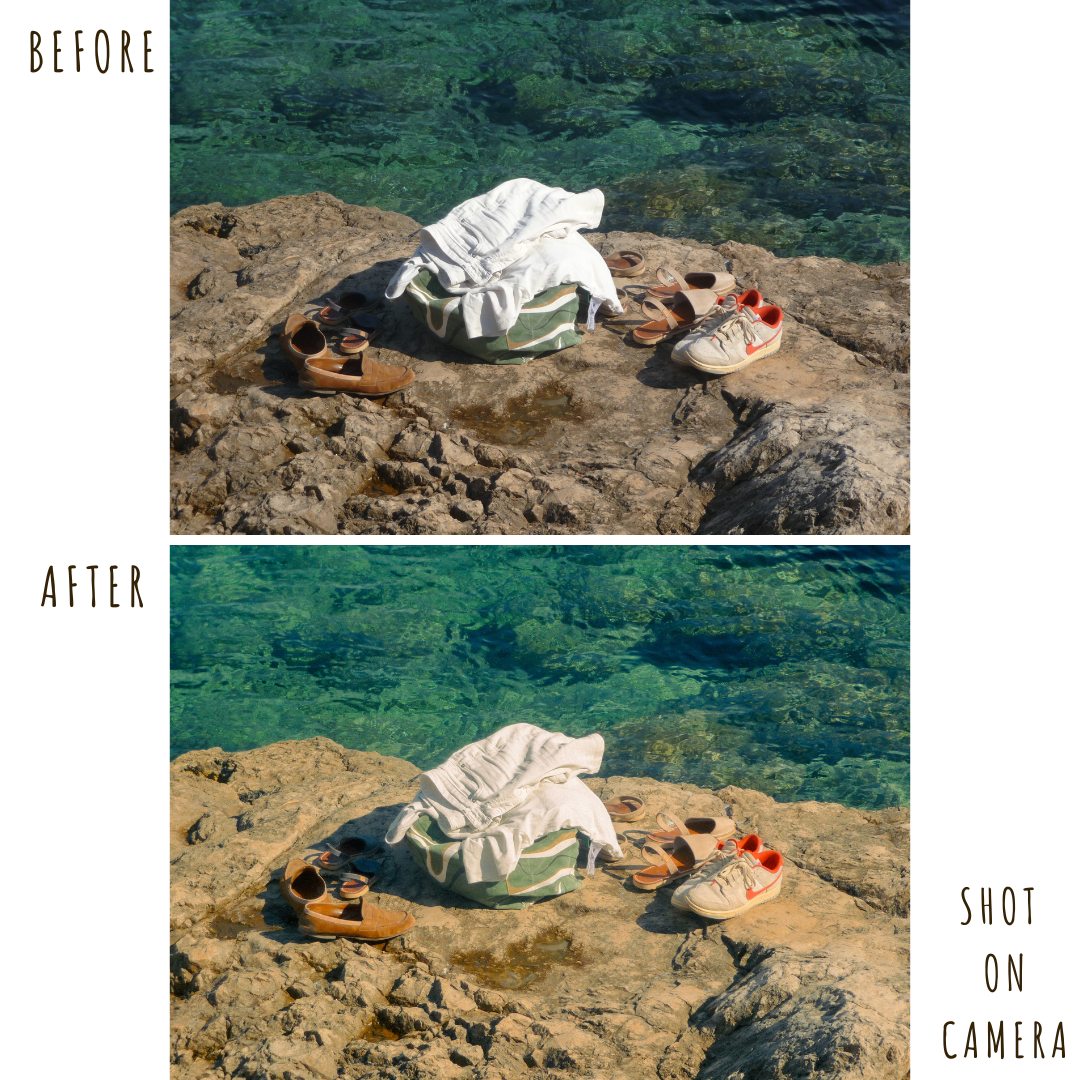 Image 5 of 6
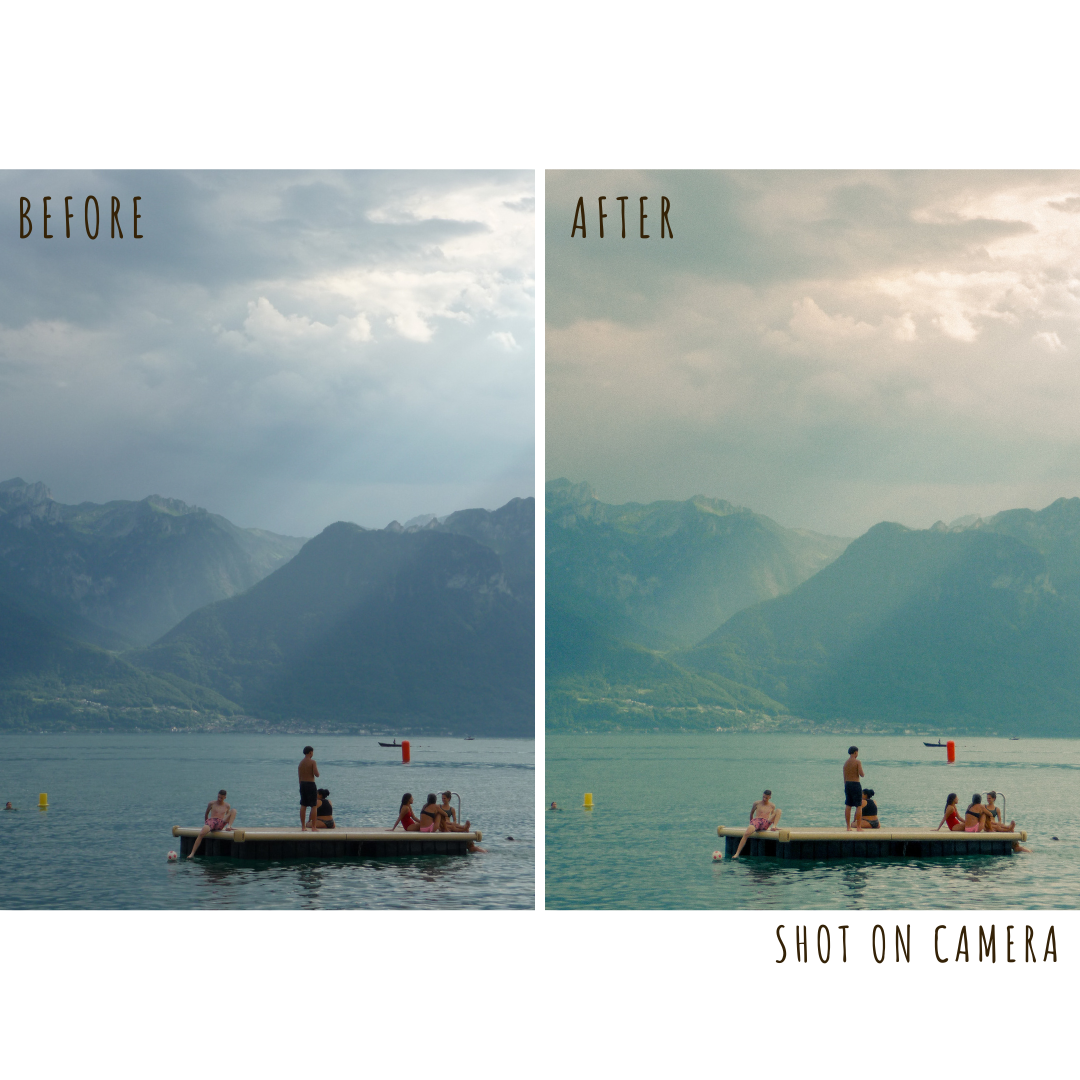 Image 6 of 6